Managing Services in Merlua
Create and manage the services your clients can book through Merlua. Set each service's category, duration, pricing, booking settings, and assigned team members.
Before you begin: Every service must belong to a category. If you have not created a category yet, create one first from Categories.
Screenshot: Services overview
1. Create a Category First
Services must be assigned to a category, so create the appropriate category before adding a service.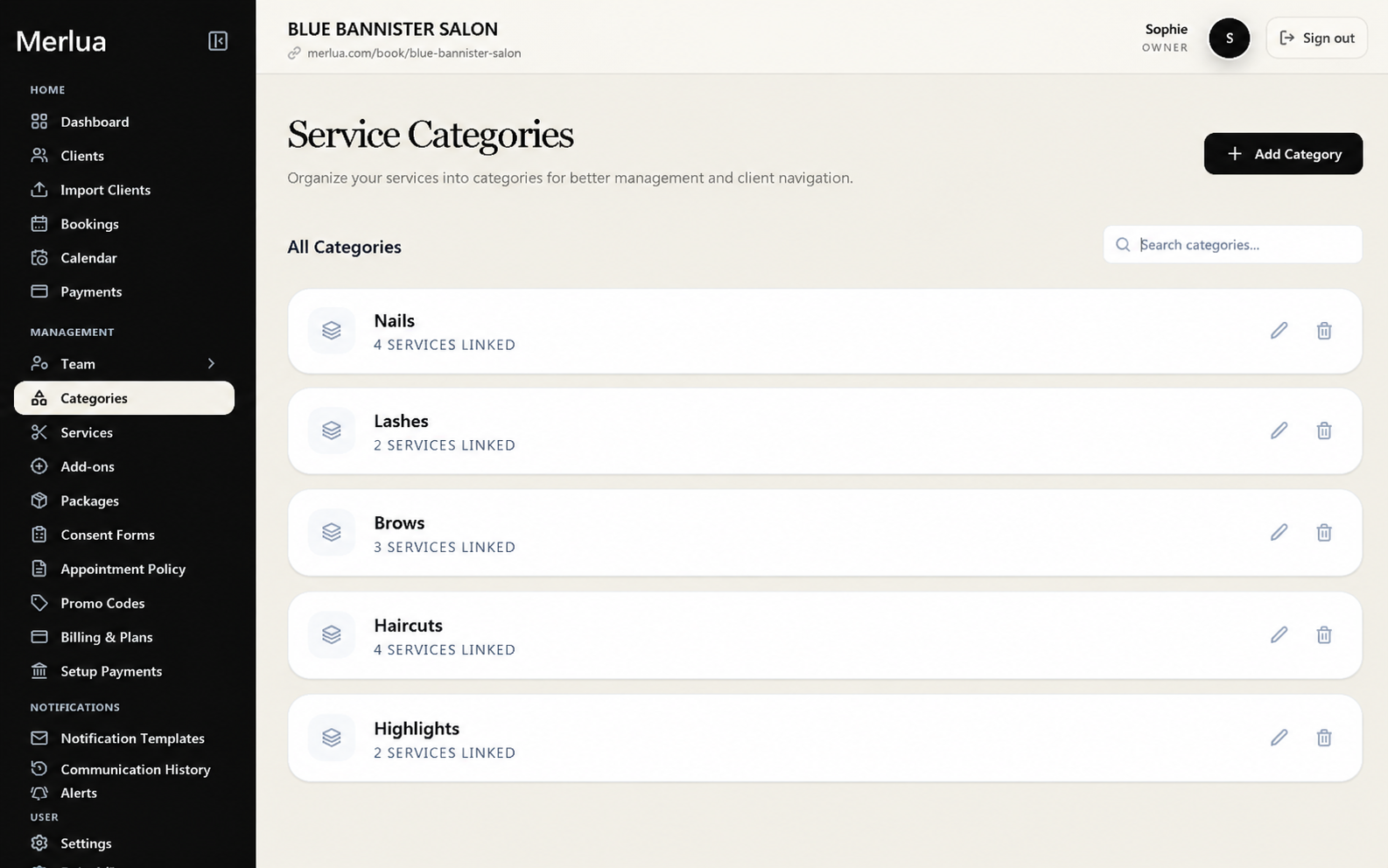
Steps:
- Open Categories.
- Click Add Category.
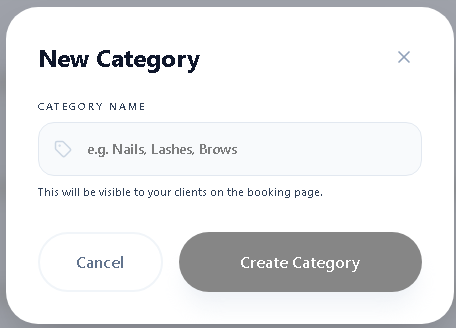
- Enter the category name.
- Add an image if needed.
- Save the category.
Examples: Hair, Nails, Lashes, Brows, and Skin Treatments.
2. Create a Service
Once you have a category, you can create a service that clients can book.
Steps:
- Open Services.
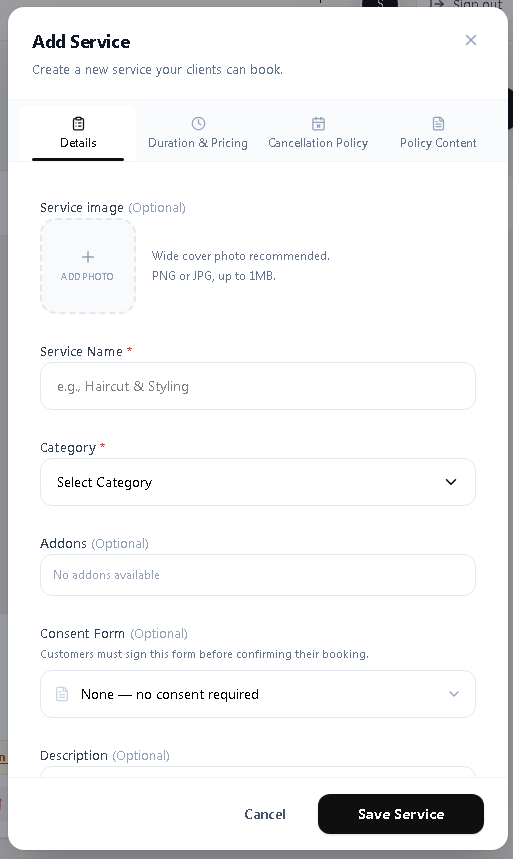
- Click Add Service.
- Enter the service name.
- Select a category.
- Set the service duration.
- Set the service price.
- Configure any additional booking options.
- Save the service.
3. Set Duration and Pricing
Set the amount of time required for the service and the price clients will pay.
You can configure:
- Service duration
- Service price
- Buffer before the appointment
- Buffer after the appointment
Buffer time is optional and can be used when a service requires preparation or cleanup time.
4. Configure Deposits
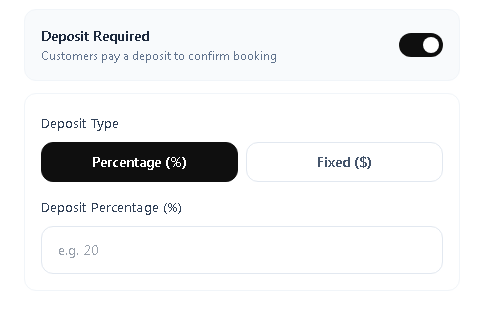
If you require clients to pay a deposit when booking, configure the deposit settings for the service.
You can set the applicable deposit requirements and amount when needed.
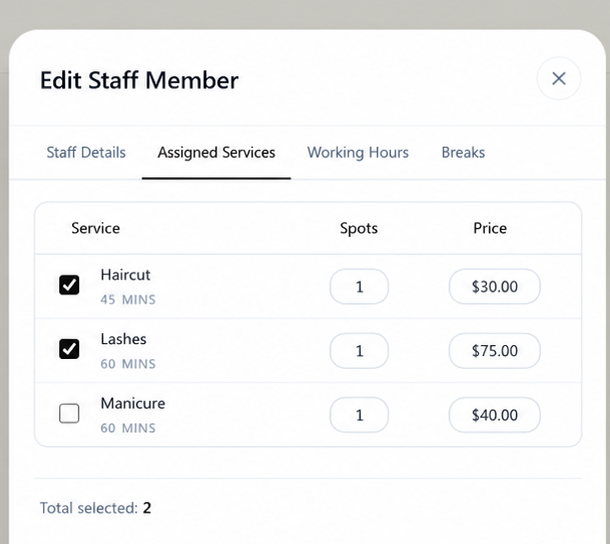
5. Assign Team Members
Choose which team members can provide the service. Only assigned team members should be available to provide that service during booking.
6. Manage Your Services
After creating a service, you can update its information whenever your business needs change.
You can:
- Edit service details
- Update pricing
- Change the duration
- Update assigned team members
- Adjust booking settings
- Enable or disable the service
Tips for Managing Services
- Create categories before adding services.
- Use accurate durations to keep your calendar organized.
- Keep service pricing up to date.
- Use buffer time only when preparation or cleanup is required.
- Make sure the correct team members are assigned to each service.