Complete Guide to Merlua Settings: Configure Your Salon for Online Bookings
Merlua's Settings area gives you control over how your salon operates, how clients book appointments, how payments and deposits are handled, and how clients and staff receive notifications. Once your basic business information is added, you can use these settings to customize the booking experience around the way your salon actually works.
This guide walks through each section of Merlua Settings so you know what each option does and what you should configure before accepting online bookings.
General Settings
The General section contains your salon's core business information. This is where you can manage details that identify your business and appear throughout your Merlua experience.
Business Details
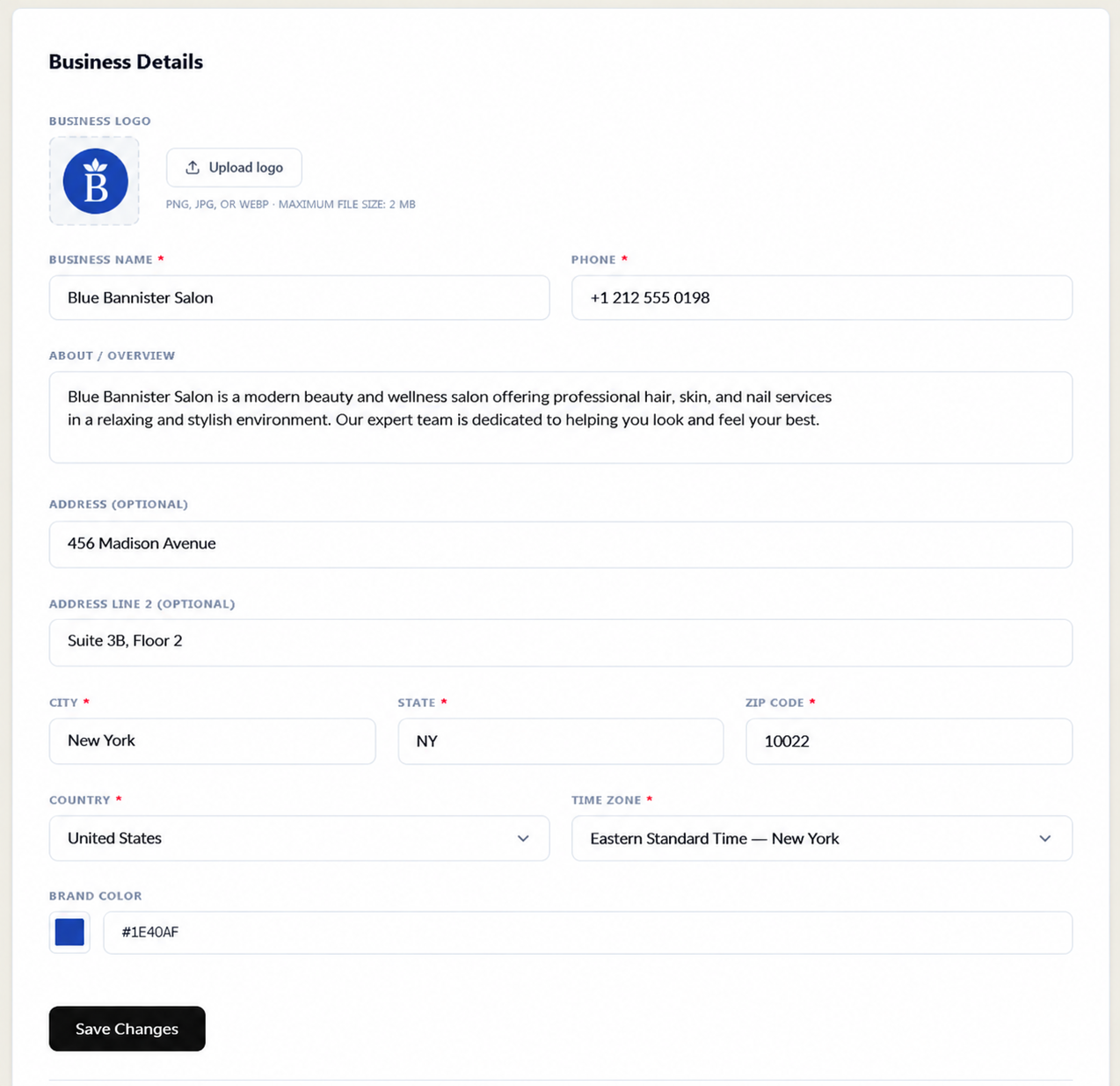
You can add or update your business logo, business name, phone number, and a short description of your salon. You can also add your address, city, state, ZIP code, country, and time zone.
Your time zone is particularly important because appointment times and notifications need to match your salon's local operating time.
Brand Color
Merlua also allows you to select a brand color for your business. This helps keep your public booking experience consistent with your salon's branding.
Salon Terms and SMS Consent
The General settings area also provides access to your accepted Merlua Salon Terms and records your SMS notification consent status. This gives you a clear place to review important account and communication agreements.
Public Page URL
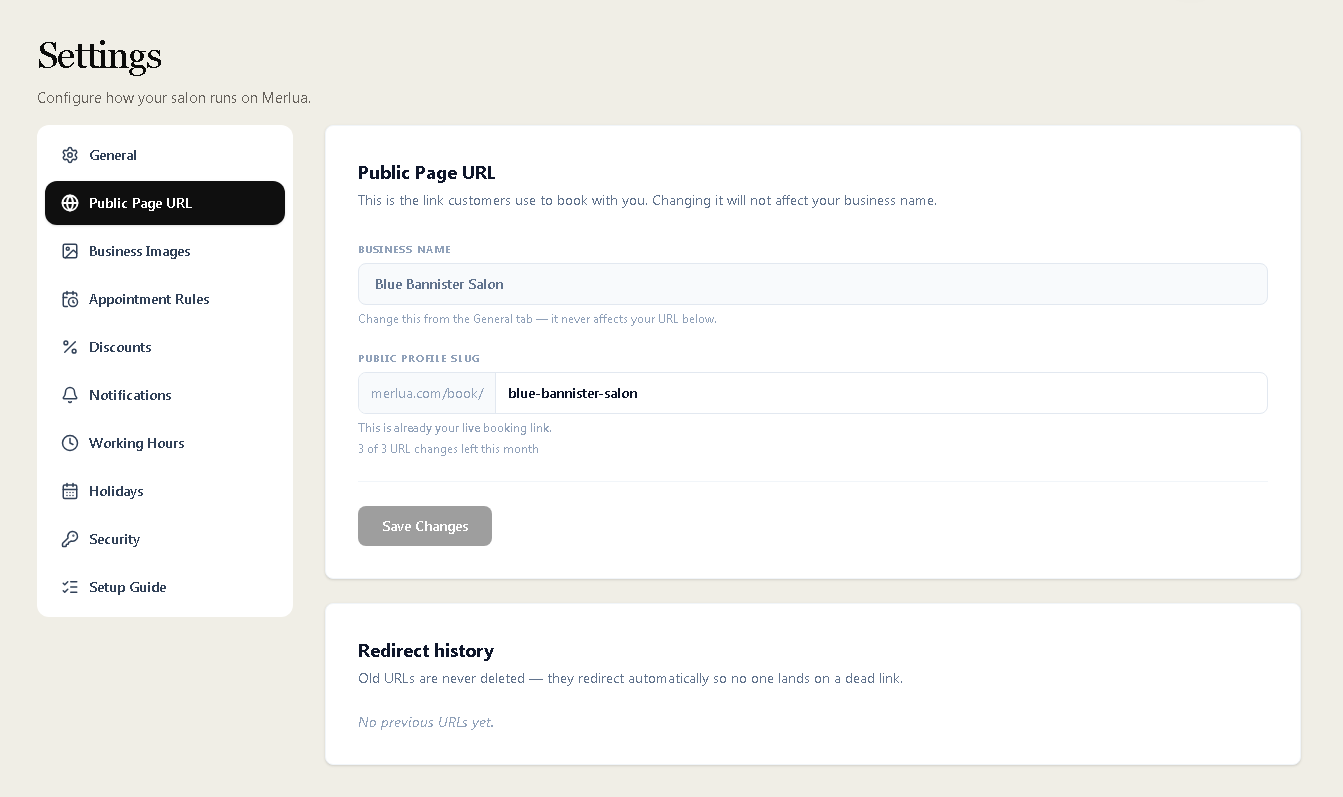
Your Public Page URL is the link customers use to book appointments with your salon.
The business name and public profile slug are managed separately. Changing the business name does not automatically change the booking URL. You can update your public profile slug when you need a different booking link.
Merlua also keeps a redirect history for previous URLs. This means an old booking URL can redirect customers to the updated address instead of leaving them with a broken link.
Business Images
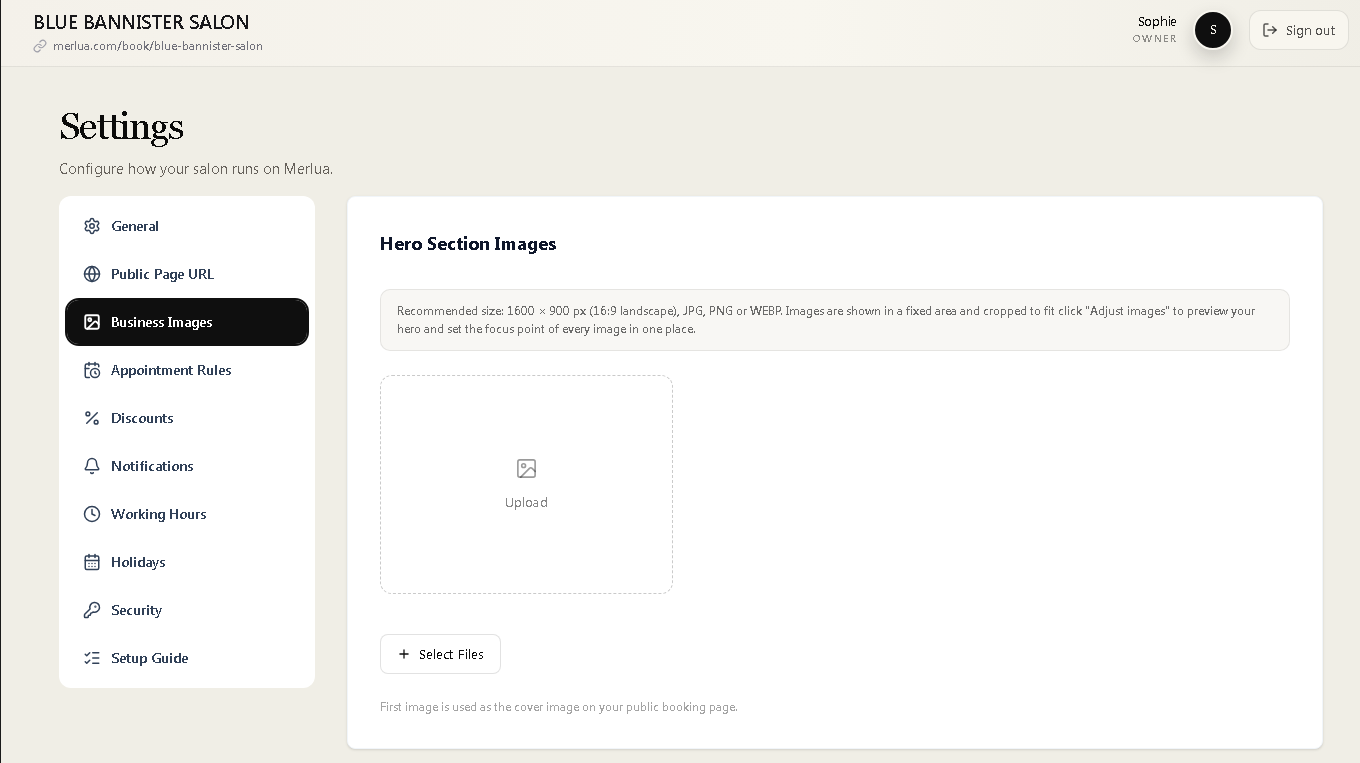
Business Images allows you to add visual content to your public booking page.
Hero Section Images
You can upload images for the hero section of your public booking page. Merlua recommends a 1600 × 900 pixel landscape image in JPG, PNG, or WEBP format. The images are displayed in a fixed area and cropped to fit.
The first hero image is used as the cover image on your public booking page.
Gallery Images
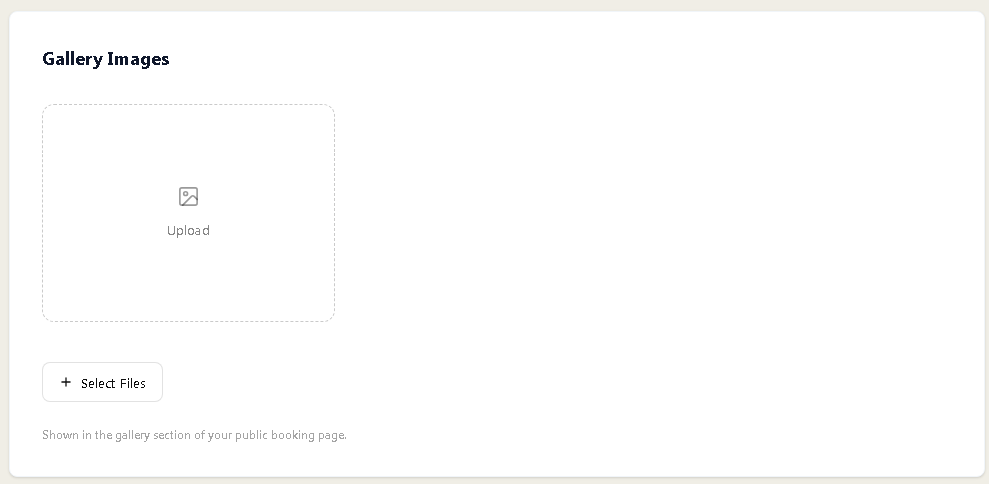
You can also upload additional images for your gallery. These images appear in the gallery section of your public booking page and can help clients get a better impression of your salon, environment, and work.
Appointment Rules
Appointment Rules control your booking, cancellation, rescheduling, and payment preferences. This section is one of the most important areas to configure because it determines how clients can interact with your appointment schedule.
Booking and Cancellation Policy
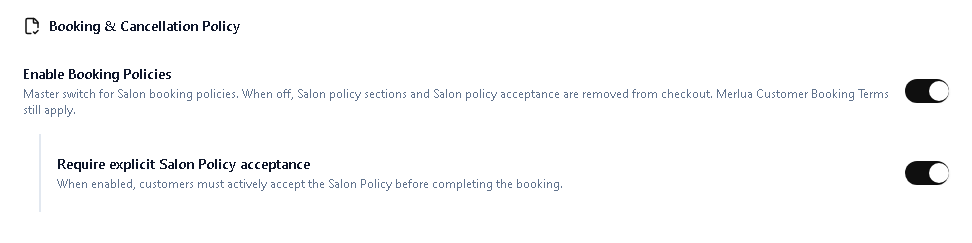
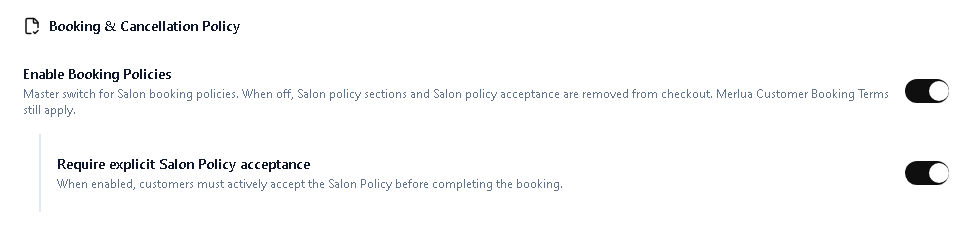
You can enable your salon's booking policies and require customers to explicitly accept your salon policy before completing a booking. When enabled, clients must actively accept the policy as part of the booking process.
Booking Settings
Merlua allows you to control how far in advance clients can book and how much notice is required.
The available settings include:
- Advance booking limit: Controls how far into the future clients can make appointments.
- Minimum booking notice: Controls the minimum amount of time required before an appointment can be booked.
- Manual booking link expiration: Controls how long manually generated booking links remain valid.
Cancellation and Rescheduling
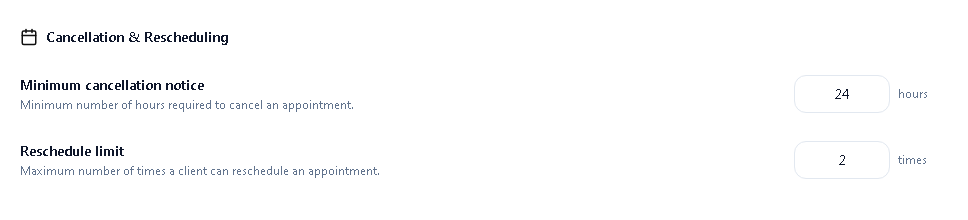
You can define the minimum cancellation notice required from clients and control how many times an appointment can be rescheduled.
These settings help establish clear expectations while giving your salon control over last-minute changes.
Payments and Deposits
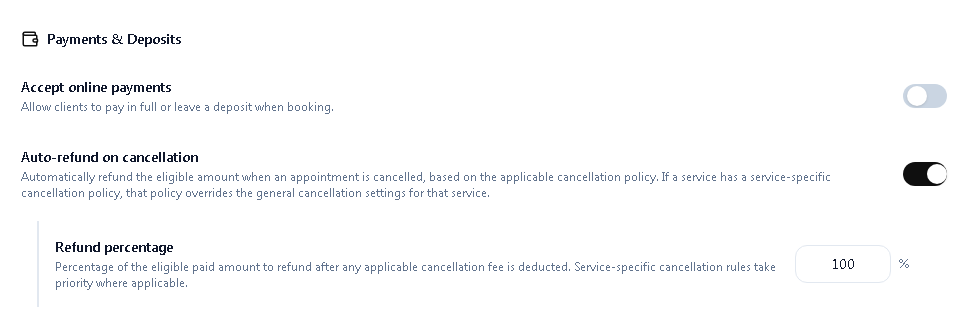
Merlua can allow clients to make online payments or leave a deposit when booking. You can also enable automatic refunds for eligible cancellations.
When automatic refunds are enabled, Merlua calculates the eligible refund based on the applicable cancellation policy and refund percentage.
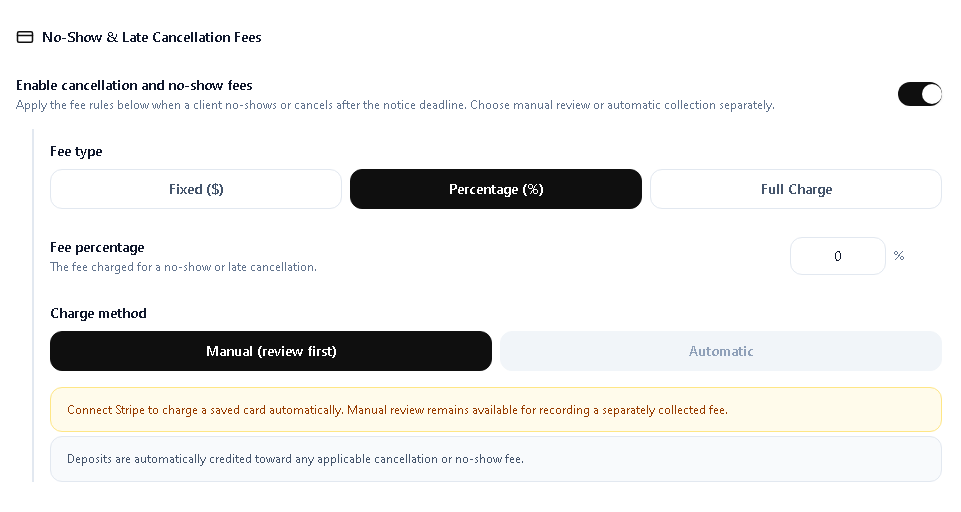
No-Show and Late Cancellation Fees
You can enable fees for clients who cancel after the required notice period or fail to attend an appointment.
Merlua supports different fee types, including:
- Fixed dollar amount
- Percentage of the appointment
- Full charge
You can also choose how the fee is collected. Manual review allows the salon to review the situation first, while automatic collection can charge a saved card when the required payment setup is available.
Deposits are automatically credited toward an applicable cancellation or no-show fee.
Booking Hold Time
The payment hold time determines how long an appointment slot is held while a client completes payment. This prevents a slot from being held indefinitely when a client does not complete the payment process.

Online Booking Availability
You can enable or disable online bookings from your public booking page. This gives you control over whether customers can currently create appointments online.

Discount Settings
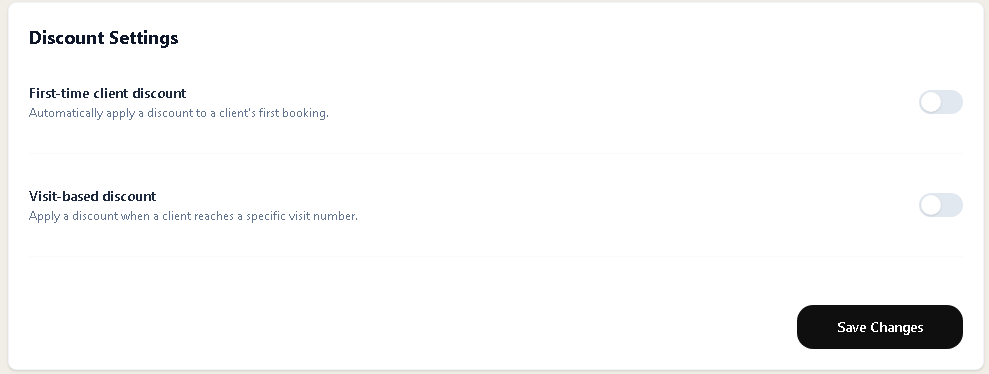
Merlua provides discount settings for different types of client incentives.
First-Time Client Discount
You can enable a discount that automatically applies to a client's first booking.
Visit-Based Discount
You can also configure a discount based on the number of visits a client has completed. This can be used to reward clients after reaching a specific visit milestone.
Notifications
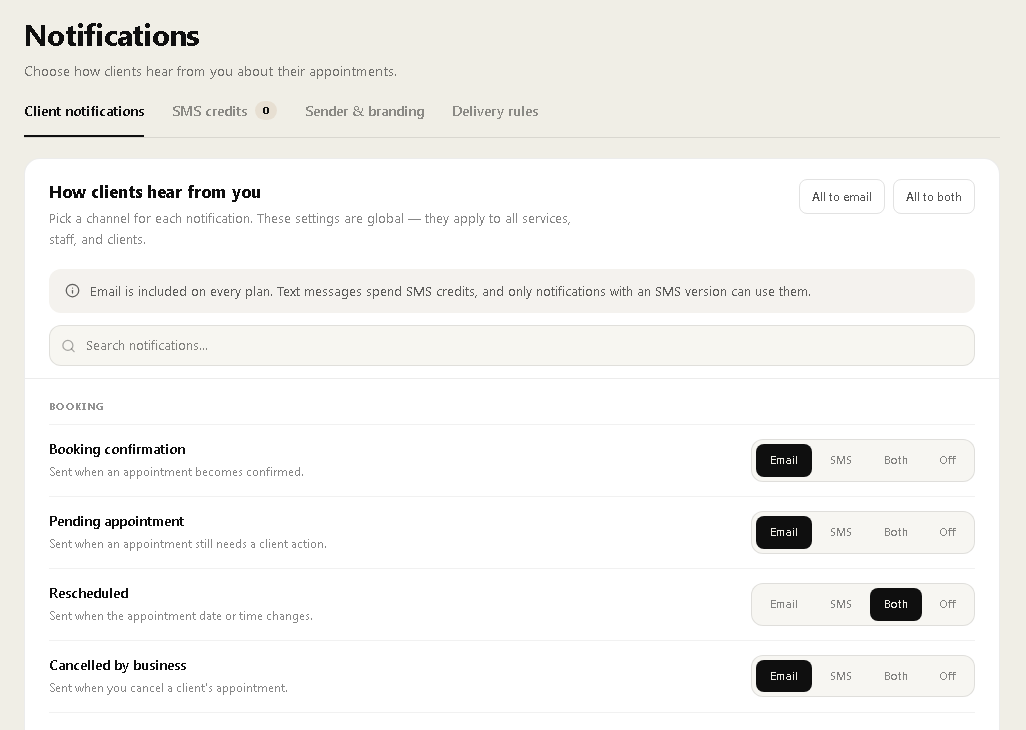
The Notifications section controls how clients, your business, and staff receive appointment-related communications. Merlua supports email and SMS notifications, depending on the notification and available SMS credits.
Client Notifications
You can choose whether individual notifications are sent by email, SMS, both, or turned off.
Booking-related notifications include:
- Booking confirmation
- Pending appointment
- Rescheduled appointment
- Cancelled by business
- Cancelled by client
- Business time zone changed
- Visit complete
Policy and Deposit Notifications
Merlua can notify clients when they need to accept a policy, when a deposit has been received, when a card has been saved, and when a card has been authorized for a specific appointment fee.
Appointment Reminders
Reminder notifications can be sent based on how far in advance an appointment was booked.
Merlua supports reminder scenarios such as:
- Booked more than two days ahead: Confirmation immediately and a reminder two days before the appointment.
- Booked one to two days ahead: Confirmation immediately and a reminder approximately 24 hours before.
- Booked inside 24 hours: Confirmation immediately and a reminder approximately 12 hours before when enough notice remains.
- Booked less than 12 hours ahead: Confirmation only because the reminder time has already passed.
Payment Notifications
Payment-related notifications include payment receipts, refunds, late cancellation fees, no-show fees, fee payment requests, remaining balance payments, automatic refunds, and other payment events.
Dispute Notifications
Merlua can notify you when a client submits a payment dispute and when the dispute has been reviewed.
Business Notifications
Business owners can receive notifications for events such as bank chargebacks and payments received.
Staff Notifications
Assigned staff members can receive updates when appointments are newly booked, rescheduled, or cancelled on their calendar.
Working Hours
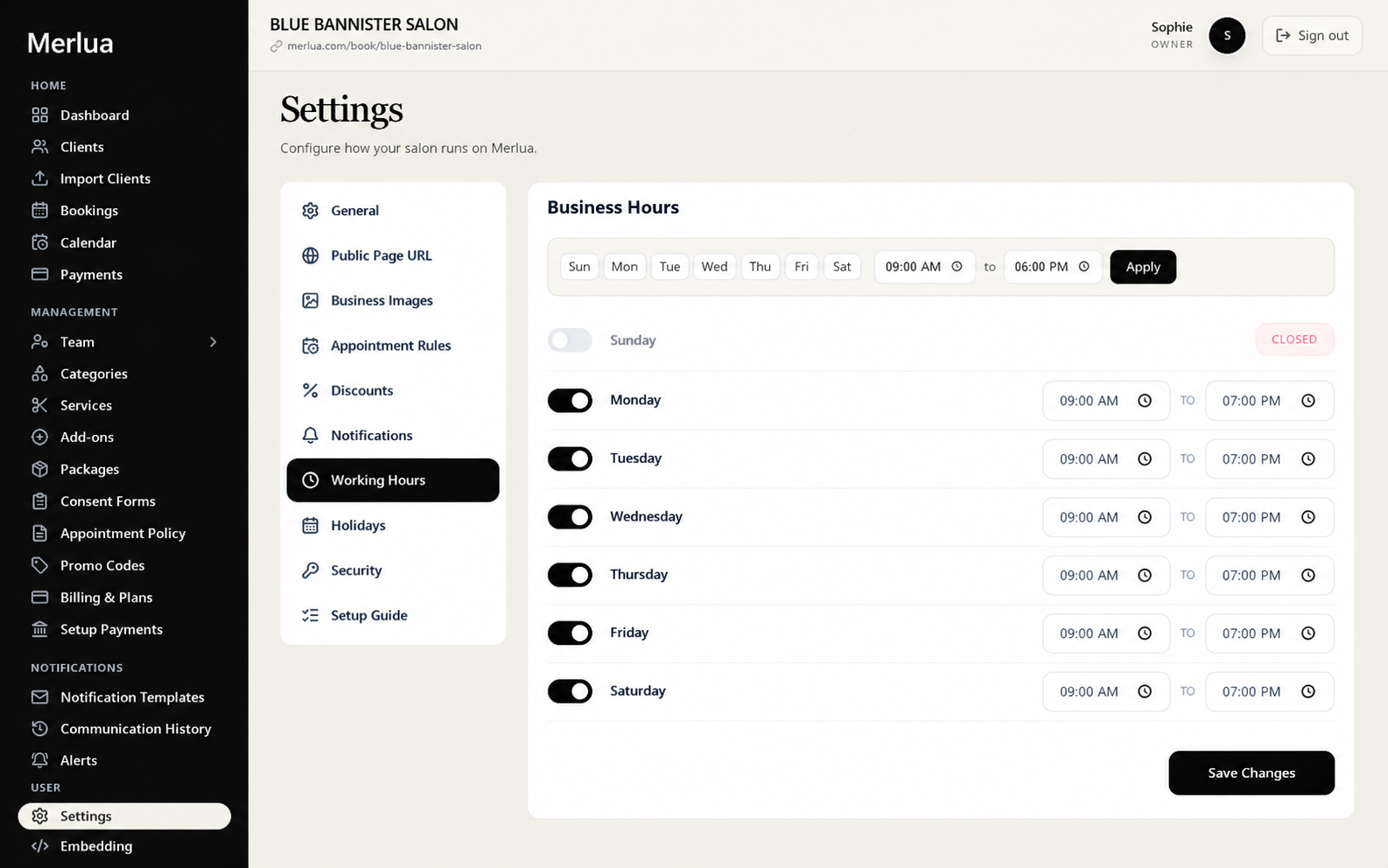
Working Hours define when your salon is open and available for appointments.
You can enable or disable each day of the week and set a specific opening and closing time. For example, you can keep Sunday closed while allowing bookings from 9:00 AM to 7:00 PM Monday through Saturday.
These hours are used when determining appointment availability, so keeping them accurate is essential for preventing clients from booking outside your normal operating schedule.
Holidays
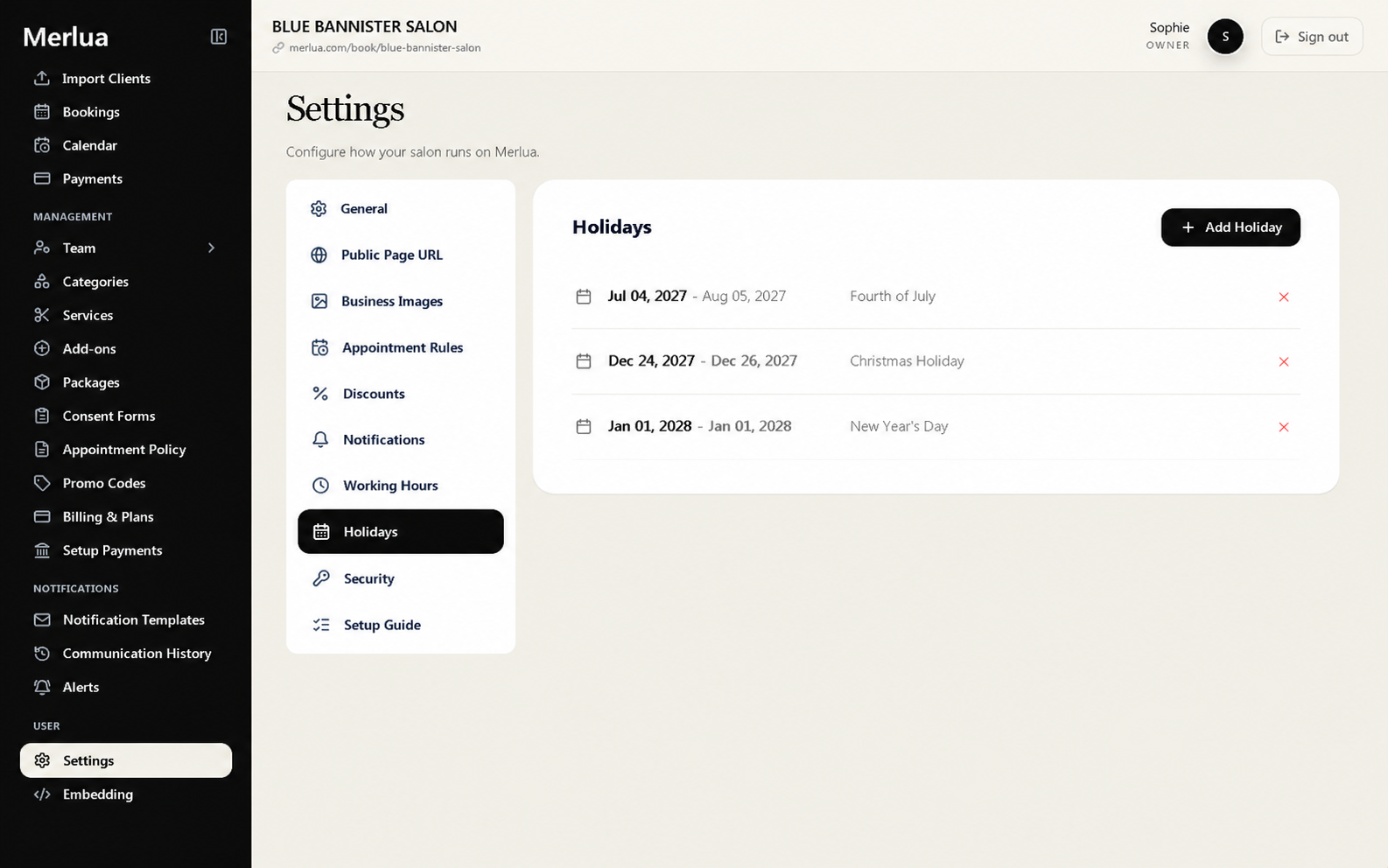
The Holidays section allows you to add dates when your salon will not operate normally.
Instead of changing your regular working hours every time you take a holiday or close for a special occasion, you can add the date as a holiday and configure the schedule separately.
This helps keep your online availability accurate around closures and special dates.
Security
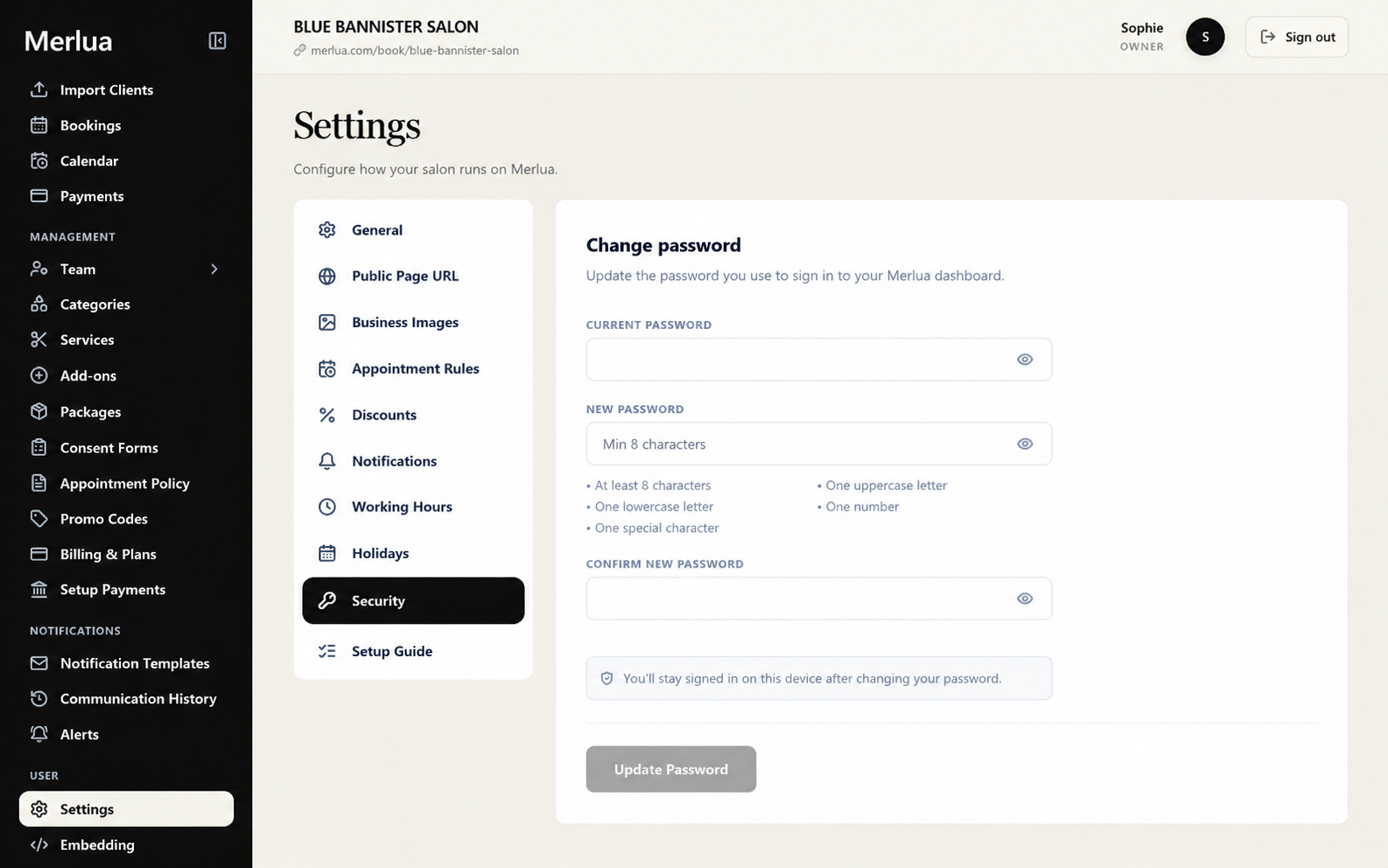
Security settings allow you to manage the password used to access your Merlua dashboard.
When changing your password, you enter your current password followed by a new password and confirmation. Merlua requires the new password to meet its password requirements, including a minimum length, uppercase and lowercase characters, a number, and a special character.
You can update your password whenever you need to strengthen or change your account credentials.
Setup Guide
The Setup Guide provides an overview of your salon's setup progress. It separates required setup steps from optional configuration so you can quickly see whether your business is ready.
The required setup includes:
- Business Profile
- Working Hours
- Services
- Team
Once these four required steps are complete, your business setup is marked as ready.
The Setup Guide also shows additional areas such as Payments, Booking Page, and Branding so you can continue configuring your salon beyond the required steps.
Configure Merlua Around Your Salon
Merlua's Settings area is more than a place to enter basic business information. It gives you control over the rules, availability, payments, notifications, branding, security, and booking experience that shape how your salon operates.
Start with the required setup: complete your business profile, working hours, services, and team. Then configure appointment rules, payments, notifications, images, discounts, holidays, and other optional settings according to your salon's needs.
Once everything is configured, your Merlua account is ready to provide clients with a consistent booking experience while giving your team the tools they need to manage appointments efficiently.